Relive the 2000s.
Don't just edit photos. Time travel.
DigiCamFX turns any image into a vintage masterpiece with authentic CCD sensor physics.
No App Store. No Downloads. 100% Private.
VISUAL_AUDIT
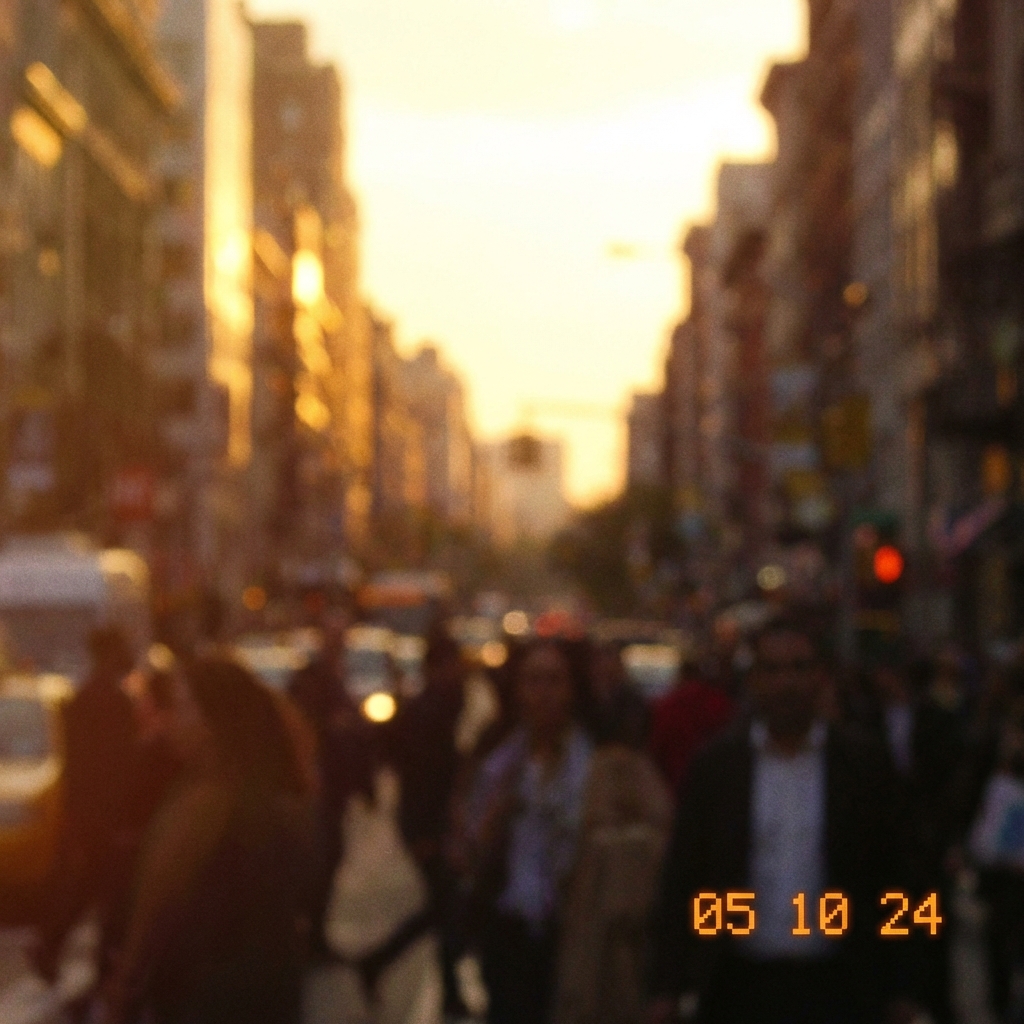
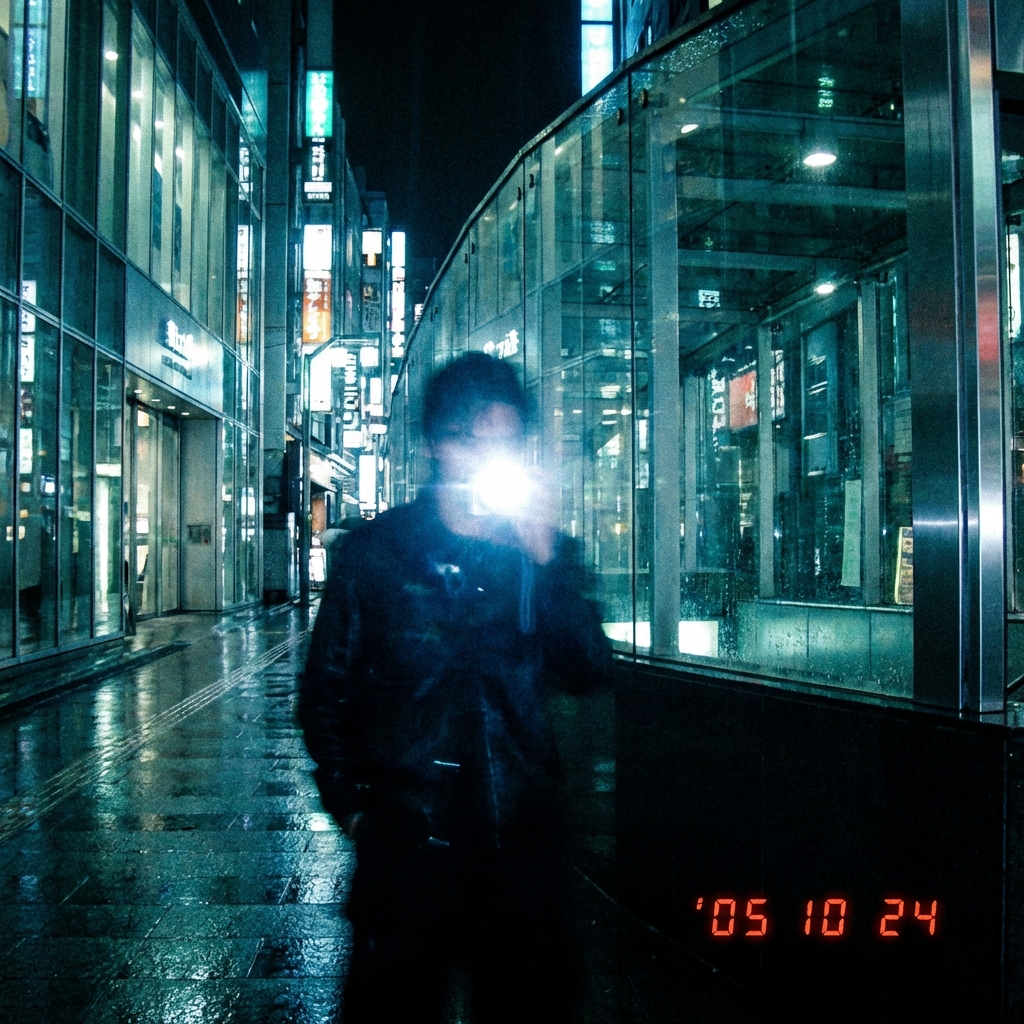
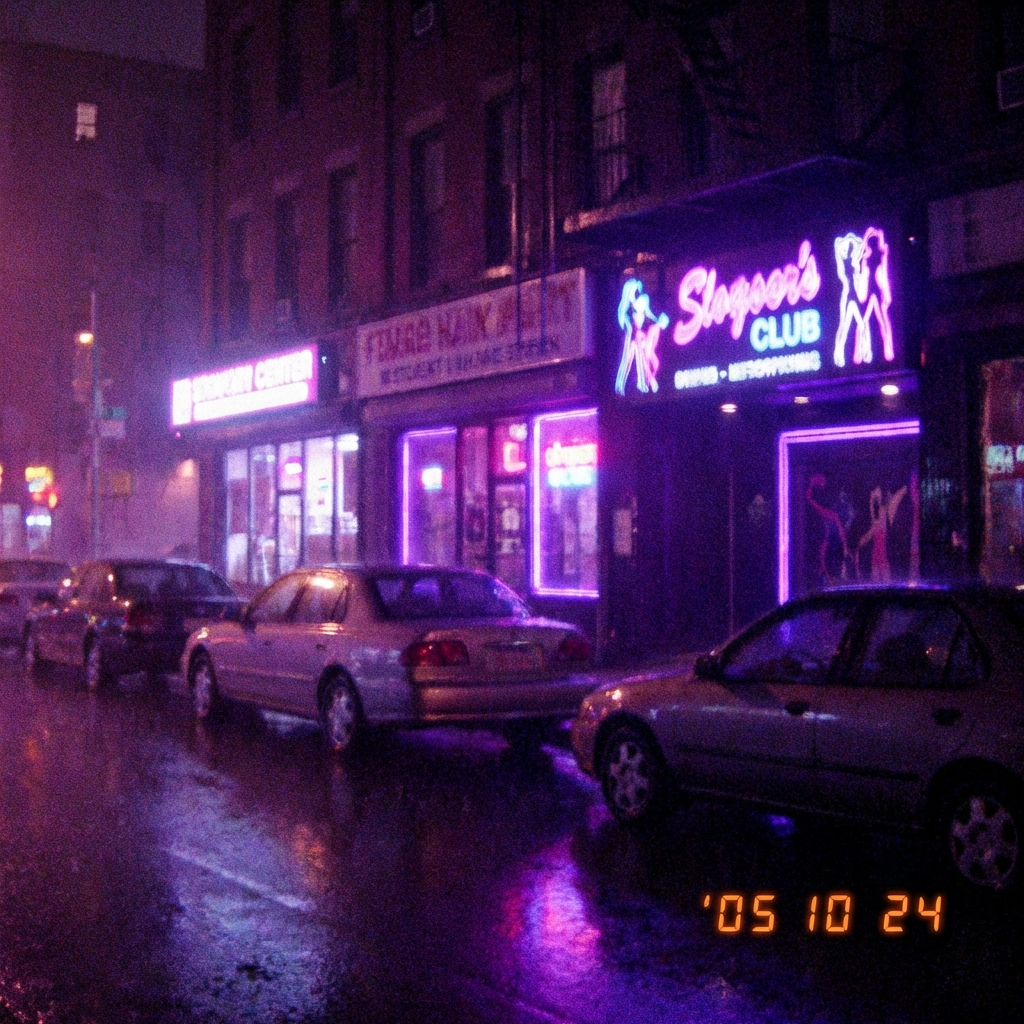
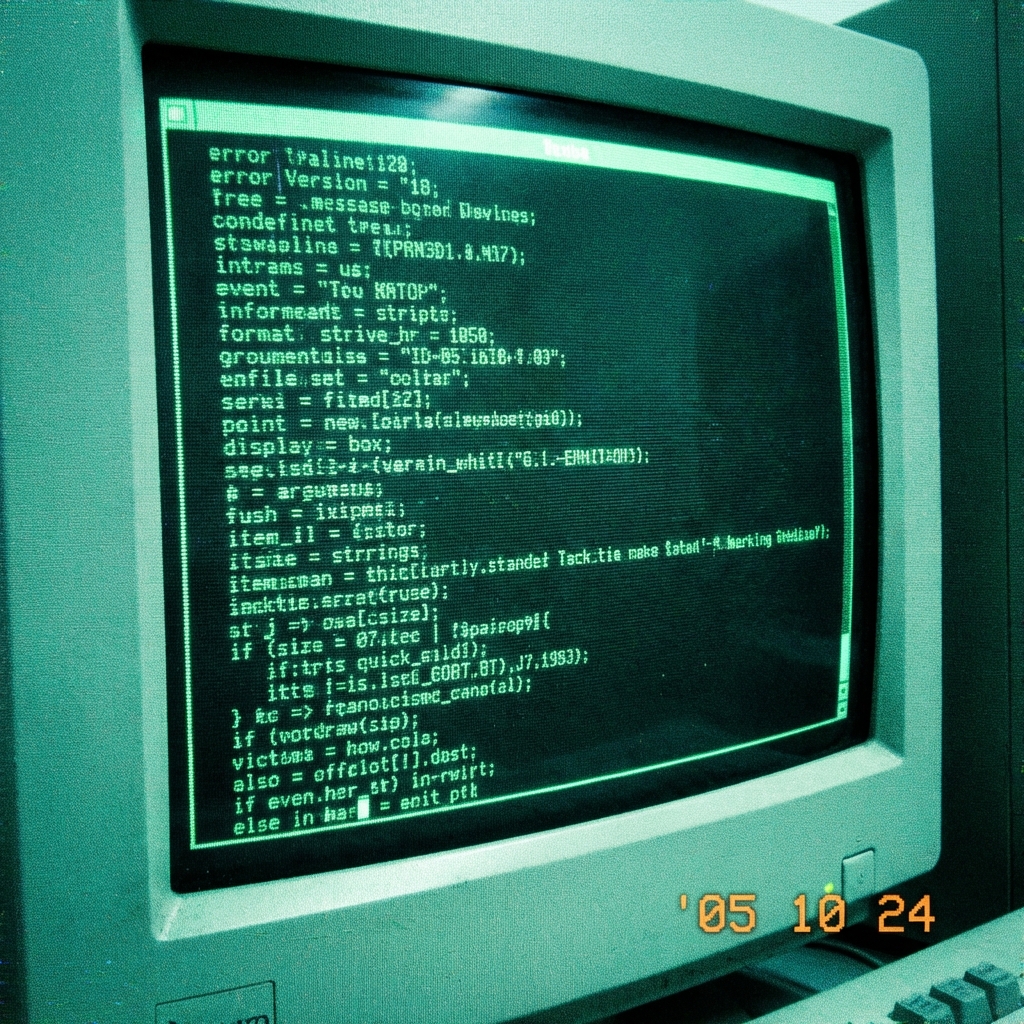
Select a preset from the gallery below to load the simulation.


SYSTEM_PROTOCOL
INITIALIZE
Securely load your visual data into the DigiCamFX engine.
PROCESS
Apply neural-tuned digicam simulation cores.
EXPORT
Download your Y2K asset instantly.
> CCD_ENGINE_ANALYSIS
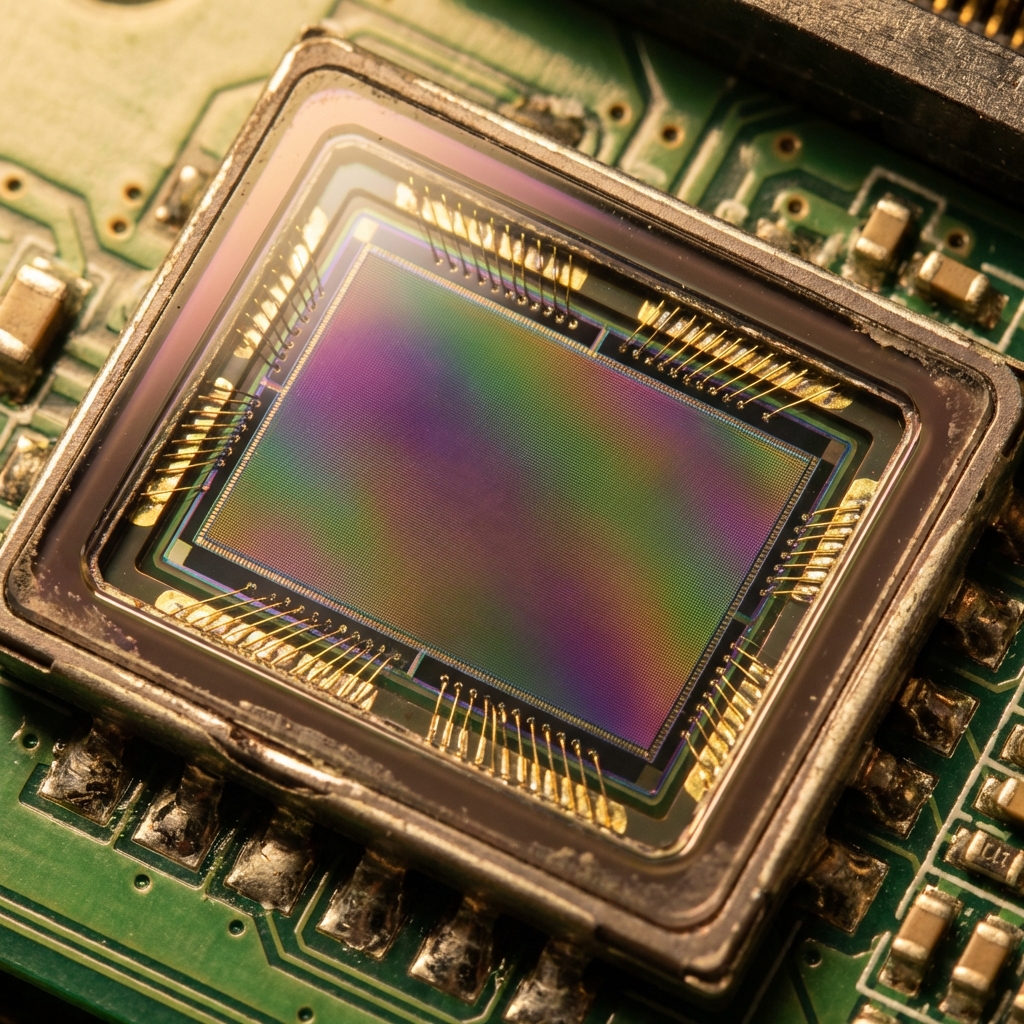
DigiCamFX simulates the distinct non-linear response curves of early 2000s silicon. Unlike other photo editors, digicamfx doesn't just overlay a filter; it reconstructs the signal path to mimic the hardware flaws of that era.
- [OK]Chromatic Aberration Algorithm
- [OK]Bayer Pattern Demosaicing Noise
- [OK]Highlight Bloom Thresholding
- [OK]ISO 800+ Digital Grain
cat ABOUT_DIGICAMFX.txt
Welcome to DigiCamFX, the premier online destination for authentic Y2K digicam aesthetics. In an era of sterile, ultra-high-definition smartphone photography, DigiCamFX brings back the soul of the early 2000s. We recreate the imperfections that made vintage digital cameras special—the color shifts, the blown-out highlights, and the distinctive noisy texture of early CCD sensors.
Unlike generic photo editors, DigiCamFX is built on a custom physics engine that simulates the actual hardware limitations of cameras like the Canon IXUS, Sony Cyber-shot, and Samsung Digicam from the 2000-2005 era. Whether you are looking for that pink digicam vibe or a gritty street photography look, this is your ultimate digicam emulator.
cat CORE_PHILOSOPHY
The resurgence of the digicam trend isn't just about nostalgia; it's about a desire for authenticity. Modern cameras often over-process images with "perfect" HDR algorithms that strip away atmosphere. DigiCamFX restores that atmosphere. By using our tool, you are choosing a distinct visual language—one that values mood over technical perfection. Whether you are a Gen Z creator discovering the Y2K aesthetic or a millennial revisiting your first digital memories, DigiCamFX provides the creative tools you need.
cat TECHNICAL_SPECS
DigiCamFX utilizes advanced WebGL shaders to process your images in real-time. This ensures that even high-resolution photos are rendered instantly with our signature digicam effects.
- Client-Side Processing: Your photos never leave your device. DigiCamFX respects your privacy by design.
- Lossless Output: While we simulate "low fidelity" aesthetics, the file quality remains high for posting on Instagram, TikTok, or VSCO.
- Cross-Platform PWA: Install DigiCamFX on your iPhone, Android, or desktop for a native app experience without the app store friction.
cat USER_MANUAL
To get the best results with DigiCamFX, we recommend starting with photos taken in direct flash or harsh lighting—mimicking the flash of mini digicams. Upload your photo, select a digicam filter (like our "Y2K Neon" or "Kodak Nostalgia"), and adjust the date stamp for that authentic 2005 timestamp look.
Whether you're looking for a retro photo editor, a CCD simulator, or just a cool way to spice up your social media feed, DigiCamFX is the ultimate tool. Join thousands of users who are rediscovering the magic of digital grain and chromatic aberration.
cat HISTORY_OF_CCD.txt
The heart of the digicam aesthetic lies in the Charge-Coupled Device (CCD). Unlike modern CMOS sensors which capture images row-by-row, CCDs captured the entire frame instantly. DigiCamFX emulates this fundamental difference, recreating the unique visual signature that defines the Y2K era.
Modern smartphones strive for clinical perfection, erasing noise and balancing shadows with AI. However, the DigiCamFX look thrives on imperfection. The vivid colors, the slight color shifting in highlights, and the "thick" digital noise are not defects—they are the texture of memory. DigiCamFX uses proprietary algorithms to reverse-engineer these physical properties, giving you the authentic feel of a Sony Cyber-shot P-series or a Canon PowerShot SD directly in your browser.
cat AESTHETIC_GUIDE.txt
- Direct Flash: The defining look of DigiCamFX edits. Use a harsh, direct light source to flatten features and create hard shadows, mimicking the xenon flash of a compact camera.
- Overexposure: Don't be afraid to blow out the highlights. DigiCamFX simulates the low dynamic range of early sensors, often turning bright skies into pure white.
- Motion Blur: A slight shake adds realism. DigiCamFX helps you recapture the vibe of slower shutter speeds often found in older digicams.
- Timestamp: Always enable the date stamp. Nothing says "vintage DigiCamFX" like glowing orange text in the bottom corner.
cat CAMERA_COMPARISON.md
| Feature | Physical Digicam | DigiCamFX | Smartphone Filter |
|---|---|---|---|
| CCD Physics | Native | Simulated | None |
| Cost | $100 - $300 | Free | Subscription |
| Convenience | SD Cards / Cables | Browser / Instant | App |
| Vibe | Authentic | Authentic | Fake / Plastic |
Authentic Physics
Not just a filter. We emulate the actual spectral response of 2000s CCD sensors for true-to-life color reproduction.
Zero Latency
Powered by WebGL. Process high-res images instantly in your browser. No upload queues, no server processing time.
Privacy By Design
Your photos never leave your device. Our "Zero-Knowledge" engine processes everything locally for 100% security.
FAQ_DATABASE
Querying knowledge base...